OEM Profile: Delete a Third-Party Login
- On Third-Party Log-in tab, click the Trash Can icon,
 , at the end of the row for the provider you wish to delete.
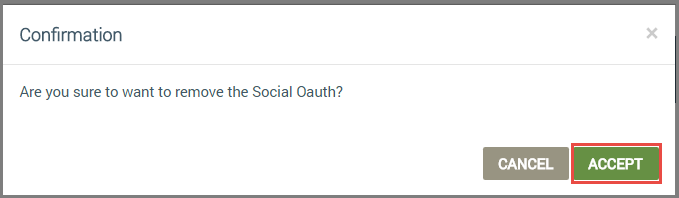
- In the Confirmation dialog box, click ACCEPT, as shown:
How to get here on the dashboard: Click OEM Profile in the Navigation Panel on the left, and then the Third-Party Login tab.
Please click here to let us know how we're doing. Thank you.